

Latest Version
MediaHub
Design
Windows
Free
9nr9tdx459g2
Report a Problem
More About SVG Explorer
Managing vector graphics on Windows can often feel like a chore without the right tools, but SVG Explorer vector file manager by MediaHub aims to bridge that gap seamlessly. Instead of opening heavy design suites just to check a graphic, this lightweight utility offers a streamlined way to browse, preview, and organize your SVG assets directly. It is designed specifically for creative professionals, web developers, and designers who handle large volumes of scalable vector graphics daily.
Effortless Vector Asset Browsing
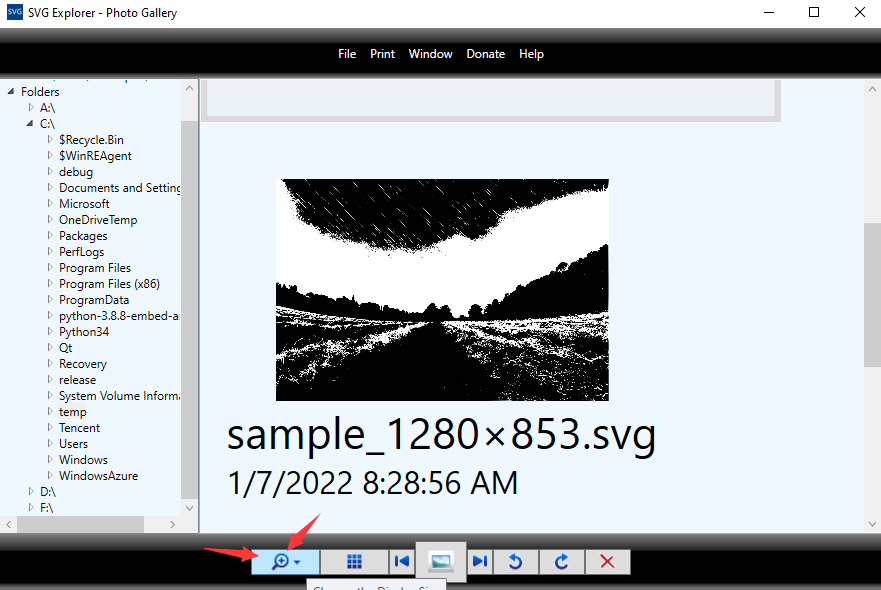
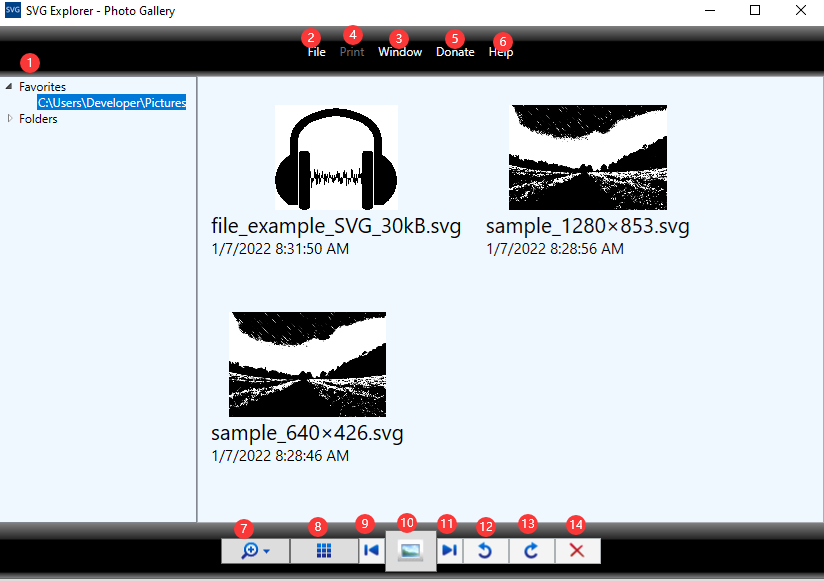
The core strength of the SVG Explorer vector file manager lies in its simplified navigation. Once installed on your compatible Windows system, the application allows you to preview all SVG files within a selected folder simultaneously. This visual thumbnail approach saves significant time, eliminating the guesswork of opening files individually to find the exact vector path or icon you need.
Key Features & Performance Benefits
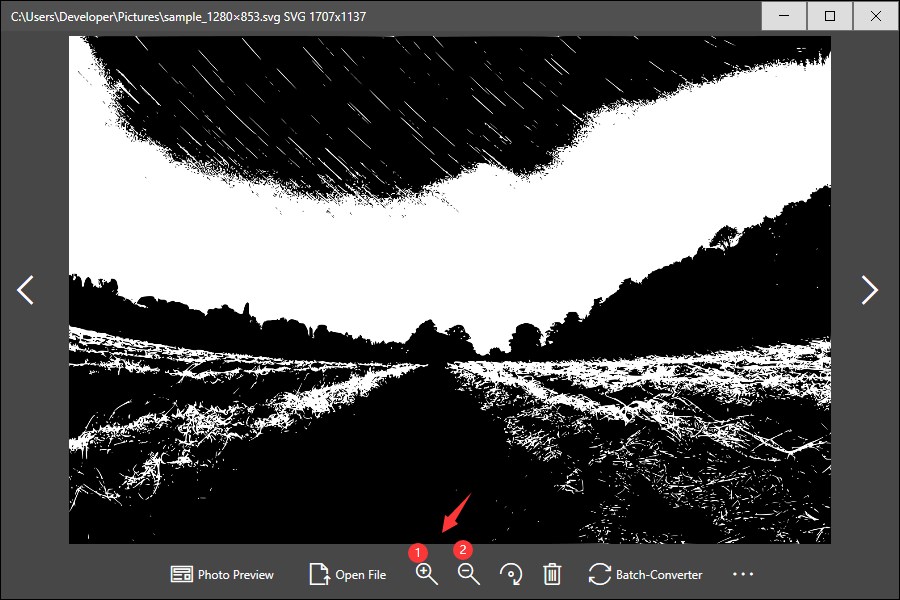
- Interactive Viewing: Open any SVG file to inspect the details, with smooth zoom-in and zoom-out capabilities to check precise vector paths.
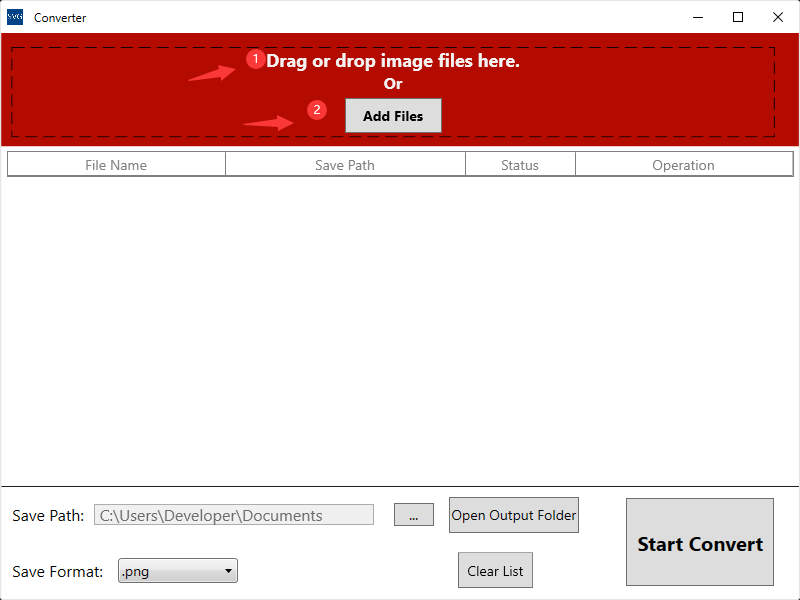
- Batch Conversion: Save time by converting multiple SVG files simultaneously into standard raster formats like JPEG.
- Quick File Management: Clean up your creative directories instantly with a convenient one-click delete function.
- Direct Printing: Send your vector layouts straight to your connected printer directly from the preview interface.
Who is the SVG Explorer Vector File Manager For?
If you regularly download icon packs, build web interfaces, or archive vector illustrations, this tool keeps your workspace organized. It is worth noting that the application runs on standard Windows platforms but does not support Windows 10 S mode. For standard Windows users, it provides a fast, dedicated alternative to using web browsers or complex IDEs just to view basic vector files.
A Practical Addition to Your Design Toolkit
By focusing purely on speed and utility, the SVG Explorer vector file manager removes the friction from asset management. If you are ready to streamline your design workflow, preview folders in seconds, and batch-convert your vectors with ease, head over to the official Microsoft Store to explore the application and add it to your workstation.
Rate the App
User Reviews






Popular Apps










Editor's Choice